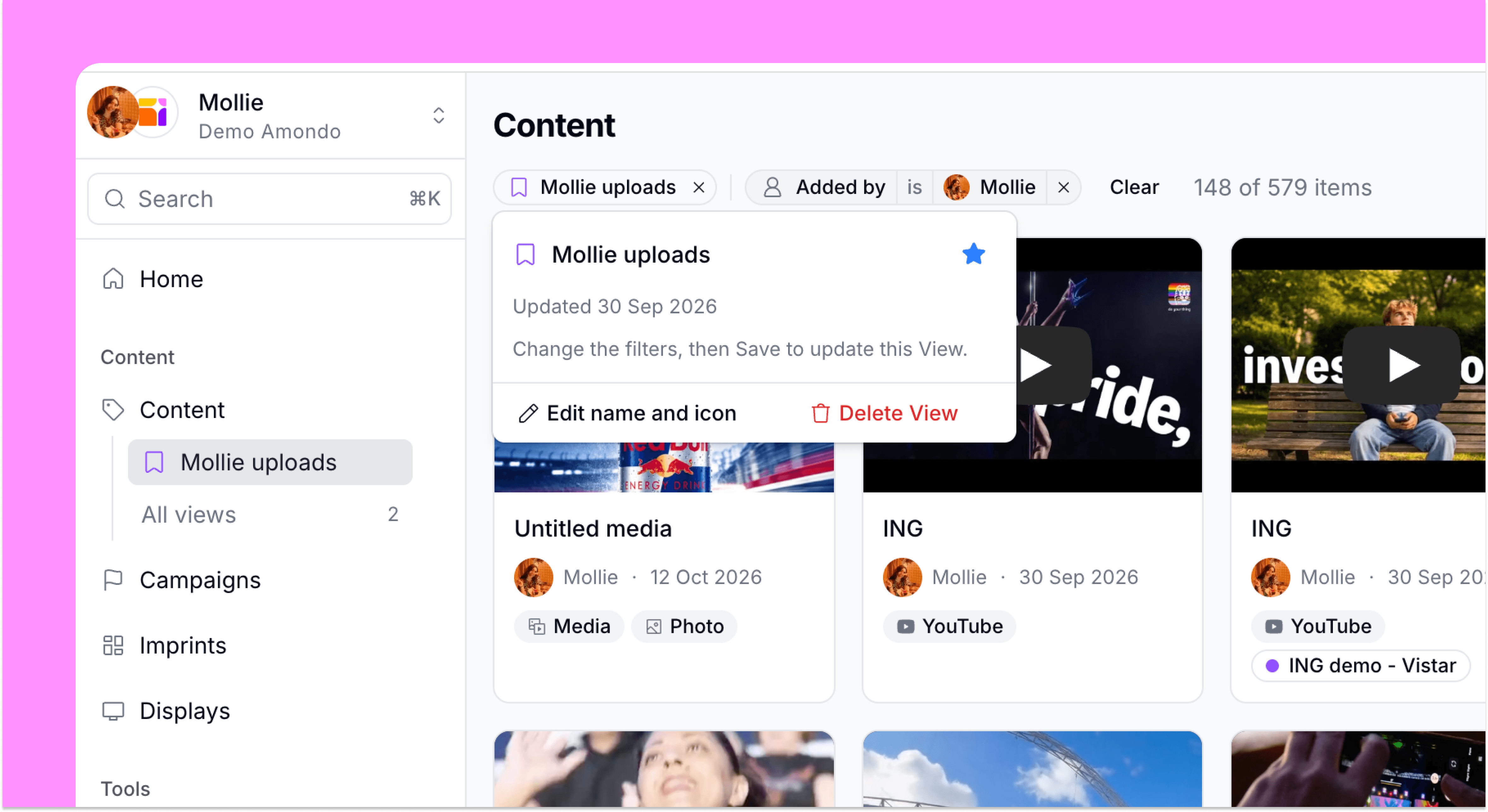
Save any filter as a view
Saved views turn your go-to content filters into named, team-shared shortcuts, so anyone can jump back to the content they need in one click.
Tags
Feature
Centralise
Released
Ready to activate your content? Talk to our team.
Saved views turn your go-to Content filters into named, team-shared shortcuts, so anyone can jump back to the right content they need in one click.
Save filters as views
Name any filter combination in the content section of the Amondo platform, give it an icon and colour, and your whole team can reopen it without rebuilding a thing.
Star views to your sidebar
Starred views sit saved in your sidebar, while every team view is just a quick search away and easy to rename or tidy up in team settings.
Apply views while building Galleries
When picking content for a Gallery or Display, start from a saved View and layer extra filters on top to narrow or widen what content you want to add.
More updates


Ready to build something your audience will remember?
Bring your world of content into one connected content system - and make every piece work harder.
Trusted by brands that take content seriously